Build Your Own
DARKHORSE CARGO | FLOOR PLAN BUILDER
Configure your trailer. Add equipment. Drag accessories into position.
Choose Your Trailer Model
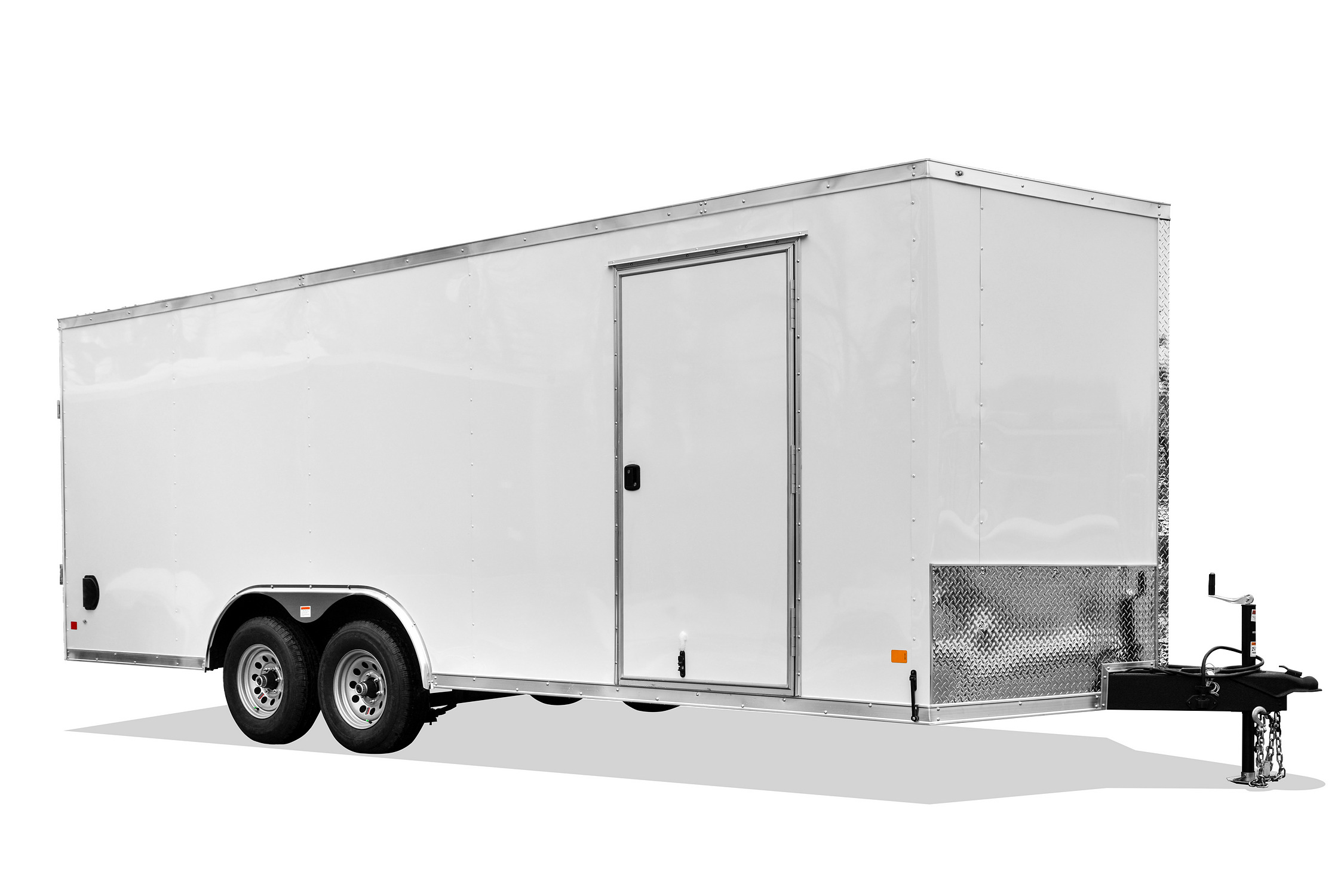
Trailer Configuration
DHW 7 × 16TOP VIEW • FRONT →
Add Accessories
Selected Accessory
Each grid square represents 1 ft × 1 ft. The V-nose is usable for accessories and gear, subject to its tapered sidewalls. Click an accessory to select it. Drag to reposition; drag the red corner handle to resize cabinets, overhead cabinets, shelving and workbenches, or the end handle to change E-Track length. Use Rotate 90° to change orientation. Measurements are conceptual and should be confirmed with Darkhorse before manufacturing.
Gear — Check What Fits
Add equipment to your floor plan, drag it into place, and use Rotate 90°. Gear is drawn at its stated footprint, without resizing to fit.
Compare Darkhorse Trailer Series
Standard equipment by series. 3500 Series width-specific standards are listed below.
| Feature | 1500 Series | 2500 Series | 3500 Series |
|---|